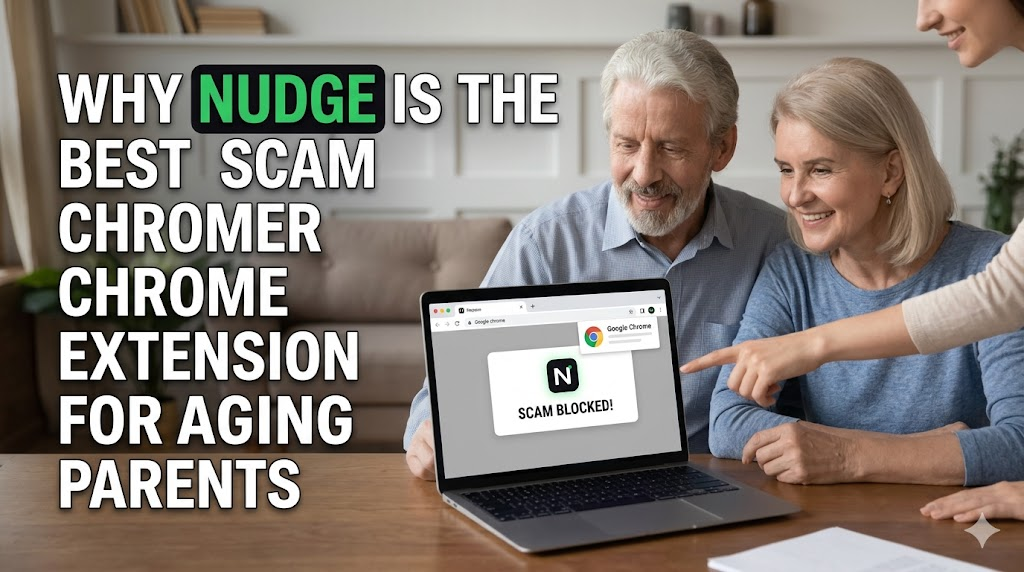
We have all received that phone call.
You pick up the phone, and your mom or dad is on the other line, sounding completely panicked.
“A giant red screen just popped up on my computer. It says I have a virus and I need to call Microsoft right now. What do I do?” Or maybe it was an email saying their bank account had been locked, or a “great deal” they found on a website that looks just a little bit… off.
It is terrifying for them, and it is exhausting for you, especially when you are suddenly playing the role of an IT support technician.
But here is the harsh reality: these scams aren’t just annoying pop-ups anymore. They are a multi-billion dollar industry. Last year alone, Americans over the age of 60 lost a staggering $7.7 billion to internet crimes and online scams.
The internet is getting incredibly dangerous for older adults. Scammers use fear, urgency, and perfectly copied fake websites to trick them into handing over their credit cards or passwords. We desperately want to protect our parents, but the security tools we usually install for them are completely missing the mark.
That is exactly why I installed the Nudge Chrome extension on my parents’ laptop—and why I think you should do the same this weekend.
The Problem with Traditional Security
When we want to protect our parents’ computers, our first instinct is to buy a massive, expensive antivirus program.
But traditional antiviruses are built to hunt for complex malware and hidden computer viruses. They aren’t built to stop human deception. If your dad clicks on a link in an email that takes him to a website that looks exactly like his bank login page, the antivirus usually stays completely silent because the website doesn’t contain a “virus.” It is just a fake page asking for a password.
And when those big security suites do try to warn our parents, they use terrifying, complicated tech jargon. They throw up boxes that say things like “SSL Certificate Invalid” or “Unrecognized Third-Party Script Detected.”
What does my mom do when she sees that? She panics, gets confused, and clicks “Ignore” or “Accept” just to make the scary box go away.
The “Grandma-Proof” Solution
When I discovered Nudge, it felt like someone finally built a security tool for regular human beings.
Nudge is a free, incredibly lightweight scam blocker that works right inside the Chrome browser. It doesn’t scan files or look for complex code. Instead, it acts like a digital bodyguard, verifying that the website your parents are looking at is actually the real deal.
Here is why Nudge is the absolute best tool to keep aging parents safe online:
1. It Uses Colors, Not Tech Jargon
Nudge completely eliminates the confusing warning boxes. Instead, it relies on a simple, universal traffic light system right next to their Google search results and on the websites they visit:
- Green: This is a verified, trusted website. You are safe.
- Amber: This site is new or untested. Be careful.
- Red: Stop immediately. This is a known scam.
You don’t have to explain what “phishing” or “domain spoofing” means to your parents. You just have to tell them: “If the badge is red, close the tab.” It is that simple.
2. It Catches the Scams They Fall For
Older adults are heavily targeted by fake dropshipping stores, tech-support pop-up scams, and government impersonators. Nudge specializes in detecting these exact threats. It instantly flags the fake URLs, blocks the malicious links hiding in their Gmail, and stops those terrifying “Your computer is locked” pop-ups from ever appearing on their screen.
3. It is “Set It and Forget It”
The best part about Nudge is that it requires absolutely zero maintenance. You don’t have to create an account, you don’t have to update it, and it will never ask your parents for a credit card to renew a subscription.
You install it once on their browser, and it silently runs in the background forever, without slowing down their computer. It also respects their privacy by verifying websites locally, meaning it never tracks their private browsing history.
Give Yourself Peace of Mind
We can’t sit next to our parents every time they open their laptops to shop, check their email, or read the news. But we shouldn’t have to constantly worry that a single wrong click is going to drain their retirement savings.
The internet should be a place where our parents feel confident, not terrified.
The next time you visit your folks, take three minutes to add this free Chrome Extension of Nudge to their browser. It is the easiest, most effective way to give them a digital safety net—and it will save you from a lot of panicked phone calls in the future.